
Install Kryton with Docker
Kryton ships a docker-compose.prod.yml that brings up a Postgres database and the Kryton server together. This is the fastest path to a running instance.
Prerequisites
Section titled “Prerequisites”- Docker Desktop (or any Docker + Docker Compose v2 setup)
- Git
That is it. No Node, no Postgres install — Docker handles both.
git clone https://github.com/azrtydxb/kryton.gitcd krytoncp .env.example .envOpen .env in any editor and set:
BETTER_AUTH_SECRET— any random string. Generate one withopenssl rand -hex 32.- Leave the other defaults alone for now; the compose file wires
POSTGRES_URLto the bundled database automatically.
Then:
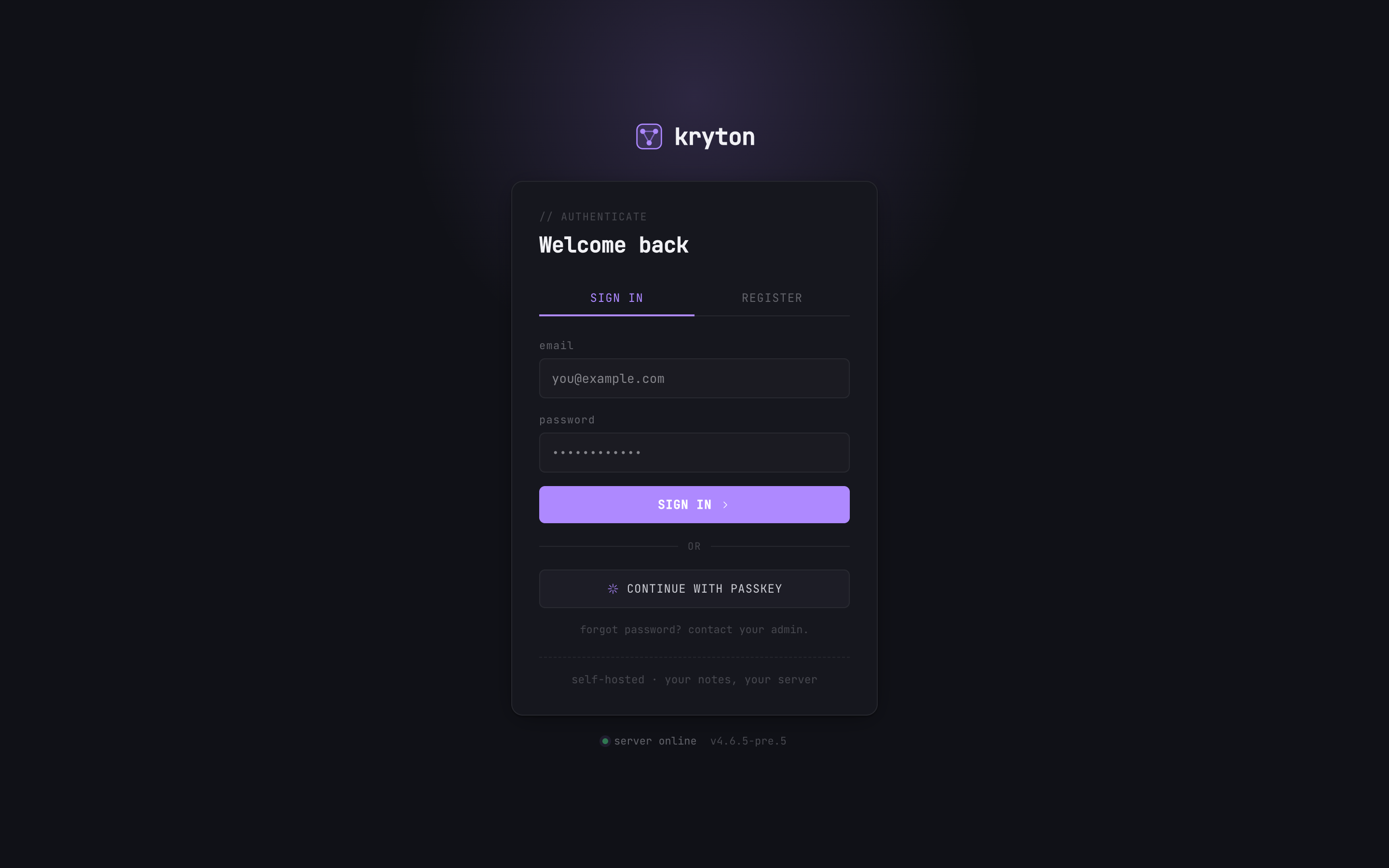
docker compose -f docker-compose.prod.yml up -dOpen http://localhost:3000 and you should see the login screen.
 123
123 - First time? Click REGISTER. The first account becomes the admin.
- Returning? Email + password, or…
- …use a passkey if you set one up earlier.
Register the first user — they automatically get admin role. Done.
What lives where
Section titled “What lives where”./notes/— your markdown notes, one folder per user.- A Postgres volume (managed by Docker) — accounts, shares, search index.
BETTER_AUTH_SECRETin.env— keep this file out of git.
Common tweaks
Section titled “Common tweaks”- Port 3000 is taken: edit
docker-compose.prod.ymland change theports:mapping. - Stop the stack:
docker compose -f docker-compose.prod.yml down. - See logs:
docker compose -f docker-compose.prod.yml logs -f kryton.
Next steps
Section titled “Next steps”- Wire your AI tools to it → Connect your AI.
- Make it reachable from outside your machine without opening ports → Kryton Connect.